পণ্য


.svg)


.svg)


July 4, 2026 is not just another summer holiday. It marks the Semiquincentennial—250 years since the signing of the Declaration of Independence. For print-on-demand sellers on GearLaunch, this is the single largest commemorative selling opportunity of the decade. Shoppers aren't just looking for a flag tee or a red-white-and-blue mug. They're looking for something that feels like a keepsake, a piece of history they can wear, display, or gift.
That means your store itself needs to do more than house products. It needs to feel like a destination for the Semiquincentennial celebration. A cohesive, purpose-built storefront builds trust faster and converts more visitors than a generic shop with a few patriotic designs slapped in. Here's how to build it right.
The design language of the 250th anniversary calls for something elevated—not the neon-bright patriotic palette you see at party supply stores, but something that evokes tradition, quality, and historical weight.

Lead with a Heritage color palette. Red, white, and blue are still your anchors, but swap out pure white (#FFFFFF) for a warm Cream or Parchment tone (#F5F5DC). This small shift gives your store a vintage, commemorative feel that signals craftsmanship over commodity. Pair it with Old Glory Blue and Deep Crimson for a palette that reads as premium and intentional.
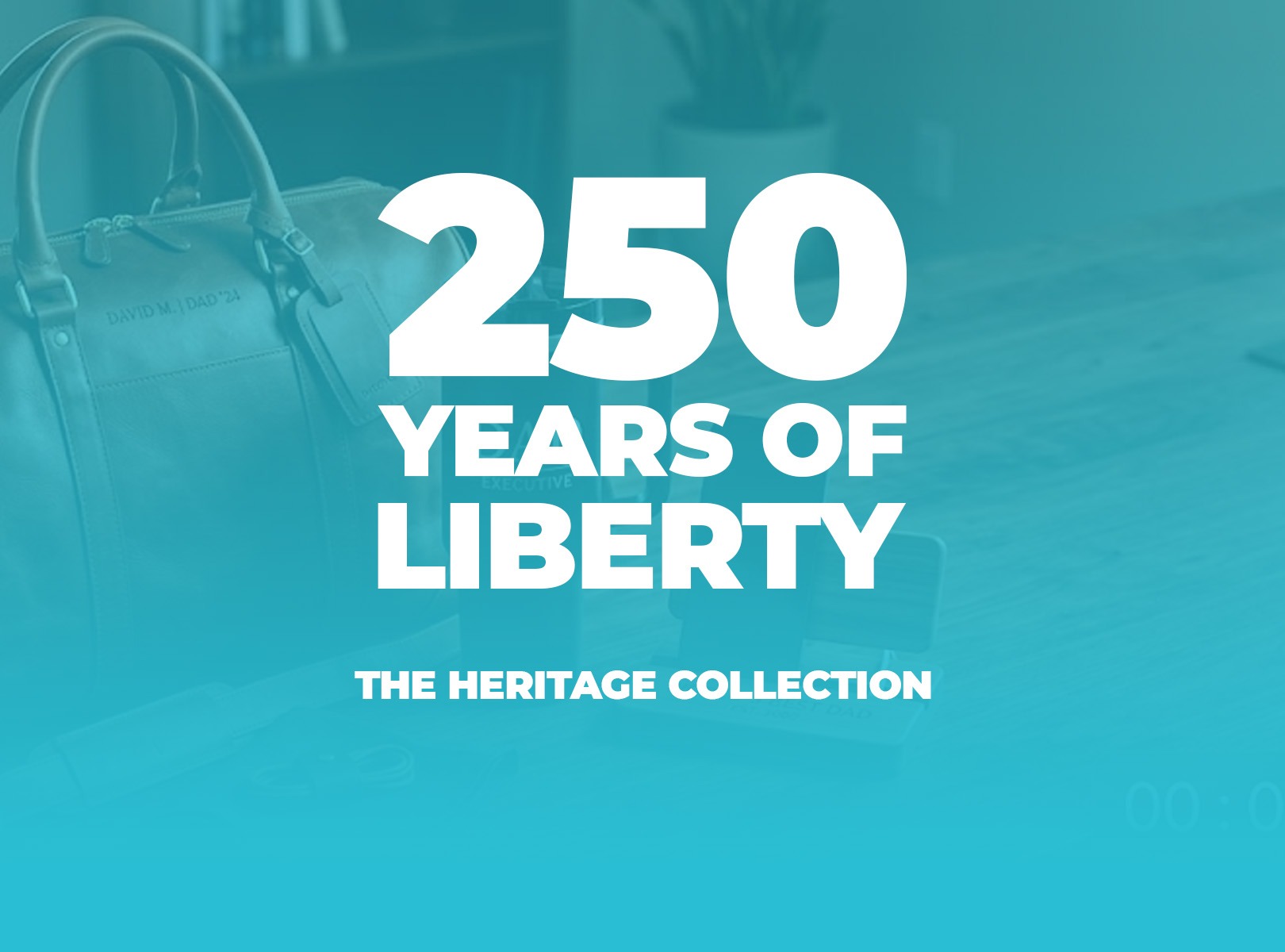
Invest in your hero banner. Your homepage banner is the first thing a customer sees—treat it like a magazine cover, not an afterthought. Feature a high-resolution lifestyle mockup: think a family at a local parade, a backyard gathering with friends, or a sunrise over a landmark. Use this space to announce a named collection: "250 Years of Liberty" or "1776–2026 Heritage Collection." Specificity sells.
Create a dedicated navigation tab. Don't bury your anniversary products in a general "Patriotic" category. Create a standalone tab—"Semiquincentennial Collection" or "1776–2026 Heritage"—in your main menu. This improves both user experience and on-site SEO, helping customers find exactly what they came for while signaling to search engines that your store is organized around this moment.
For more on building a store that converts—not just one that exists—the GearLaunch Design Template Guide covers the fundamentals of professional product presentation from the ground up.
A compelling store experience means nothing if the products themselves look amateurish. The 250th anniversary will draw premium-minded shoppers willing to pay for quality—but only if your products deliver on the promise.

Resolution is non-negotiable. Always design at 300 DPI. On large-format items like custom flags or canvas wall art, low-resolution files pixelate and blur—there's no fixing it after the order ships. Build your files right the first time.
Understand your color profile. Design in RGB for screen accuracy, but know how your vibrant reds and deep blues will translate to physical ink. Colors that look electric on screen often print flatter than expected. Test your palette on a physical sample before launching a high-volume campaign.
Respect your safe zones. Keep your primary design elements—especially dates like "1776–2026" and any commemorative text—inside the safe zone boundaries. Anything outside risks being clipped during production. This is especially critical on all-over-print baseball caps and apparel with seams that interrupt the design area.
The GearLaunch Academy POD Design Guideline covers product-specific safe zone templates, bleed requirements, and export settings. Use it as a checklist before every upload—not just a reference you skim once.
Once your designs are ready, the next step is getting them live. Here's exactly how the campaign creation process works inside the platform.
From your dashboard, click the Campaigns tab, then hit Create Campaign in the top right. Name your campaign something specific—"1776–2026 Heritage Tee" beats "Patriotic Design 1" every time for searchability and customer trust. Set your URL path to match, then save.
Use tags to organize your collection. In the Tags field, add relevant labels like "independence-day," "heritage," or "1776-2026." These tags connect your campaigns to your Storefront pages—when a campaign and a Storefront page share the same tag, that campaign automatically appears there. You can add up to 20 tags per campaign. To surface your best pieces on your homepage immediately, check "Add campaign to storefront homepage" or simply tag it "storefront."
Use the urgency tools to your advantage. The Display Countdown Timer feature is particularly effective for a date-driven event like July 4th—a visible countdown creates real purchase pressure. Enable Social Buttons on the landing page too, so customers can share their purchase. For a moment people genuinely want to celebrate publicly, that's free word-of-mouth marketing.
Set up your upsell before you go live. The campaign builder includes a built-in upsell discount tool: after a customer buys their first item, they receive a popup offering a second item at a reduced price. For the 250th anniversary, a natural pairing would be an AOP baseball cap upsold alongside a matching men's or women's top—a complete patriotic outfit at a perceived discount.

When you're ready to add your design, click the Designer button. Select whether your design prints on the front, back, or both, then click "Add a product to start designing." From the catalog window, choose between Standard and All-Over-Print products. Upload your file, position it within the safe zone, pick your product colors, and set your price—the platform shows your profit per unit in real time as you adjust. Once everything looks right, click Activate, then Save and Exit. Your campaign is live.
For a full walkthrough of the AOP campaign flow, GearLaunch's beginner's guide to AOP campaigns covers the process step by step.
Most sellers use AI tools to generate product art. Smarter sellers use them to build a brand system that makes every touchpoint of their store—logo, banner, social icons, footer, product copy—feel unified and intentional.

Build a Heritage Brand Kit. Use Midjourney or Canva's Magic Studio to generate a set of reusable design motifs. Prompt for: "American Revolutionary era motifs, vintage filigree, eagle emblems, flat vector style, parchment color palette." Use these elements consistently across your store's visual identity—not just on individual products. A store that looks cohesive at every level earns more trust from first-time visitors than one that feels assembled from mismatched parts.
Write store copy that connects to the moment. Use ChatGPT to draft an "About Us" section that ties your store's mission to the spirit of the Semiquincentennial. The prompt that works: "Write an 'About Us' paragraph for a patriotic POD store in a tone that is inspiring, communal, and historically aware—connecting our products to the 250th anniversary of American independence." Authentic-sounding copy that resonates with why shoppers are buying in 2026 will outperform generic boilerplate.
For ideas on how to build a broader brand foundation for your store—not just for this season—Time to Build a Brand for Your Print-On-Demand Business is worth reading alongside this guide.
The 250th anniversary will attract thousands of opportunistic sellers who spin up a quick store, load generic designs, and disappear after July. Serious buyers—especially those purchasing commemorative items meant to last—will be filtering for trust signals. Give them reasons to choose you.
Showcase quality in your product descriptions. Don't just list specs. Explain the durability of your flag materials, the comfort of your AOP men's tops and women's tops, the print process behind each item. Customers buying a keepsake for a once-in-a-generation occasion want to feel confident they're not buying something that fades after one wash.
Feature social proof prominently. Pull your strongest reviews to the top of product pages. A five-star review that says "I wore this to our town's bicentennial parade and got compliments all day" does more selling work than any product description you could write.
Make your policies easy to find. Shoppers ordering in early June for July 4th celebrations will have firm deadlines. Displaying your shipping timelines and return policy clearly—not buried in fine print—removes friction and builds the kind of confidence that leads to checkout.
How do I make my store look premium for the 250th anniversary without using trademarked branding? Lean into the Heritage aesthetic. Use historical serif typography—fonts like Caslon or similar Revolutionary-era styles—and anchor your palette in deep, muted patriotic tones. Parchment (#F5F5DC) instead of bright white. Deep Crimson instead of neon red. Name your collection around the dates: "1776–2026 Heritage" or "250 Years of Liberty" are both descriptive, ownable, and search-friendly.
What's the most important technical requirement for patriotic products like flags and banners? Resolution and bleed. Flags are viewed from a distance and in motion, which means pixelation and clipped edges are immediately visible. Design at 300 DPI minimum and extend your design elements fully to the template's bleed edges. Use the GearLaunch Academy POD Design Guideline for product-specific templates before uploading.
When should I launch my Independence Day collection to maximize sales? Don't wait until June. Shoppers buying commemorative items—especially personalized or print-on-demand products—start searching weeks in advance. Launch by early May, push hard through June, and keep the collection live through mid-July to capture post-holiday buyers who missed the date.
The sellers who win the 250th anniversary moment won't be the ones with the most products—they'll be the ones who built a store that feels worthy of the occasion. Start with your full GearLaunch product catalog to build your collection, then head to Create a Product and make your 2026 legacy real.


.svg)
.svg)
.svg)